Adobe Photoshop Plugin

AI image editing,
natively in Photoshop.

Generative Fill, Canvas Outpaint, and Light Harmonization β€” all without leaving Photoshop. Powered by your own Gemini or OpenAI key.

Get it on Adobe Exchange View on GitHub
What it does
Generative Fill

Change anything with a selection and a prompt.

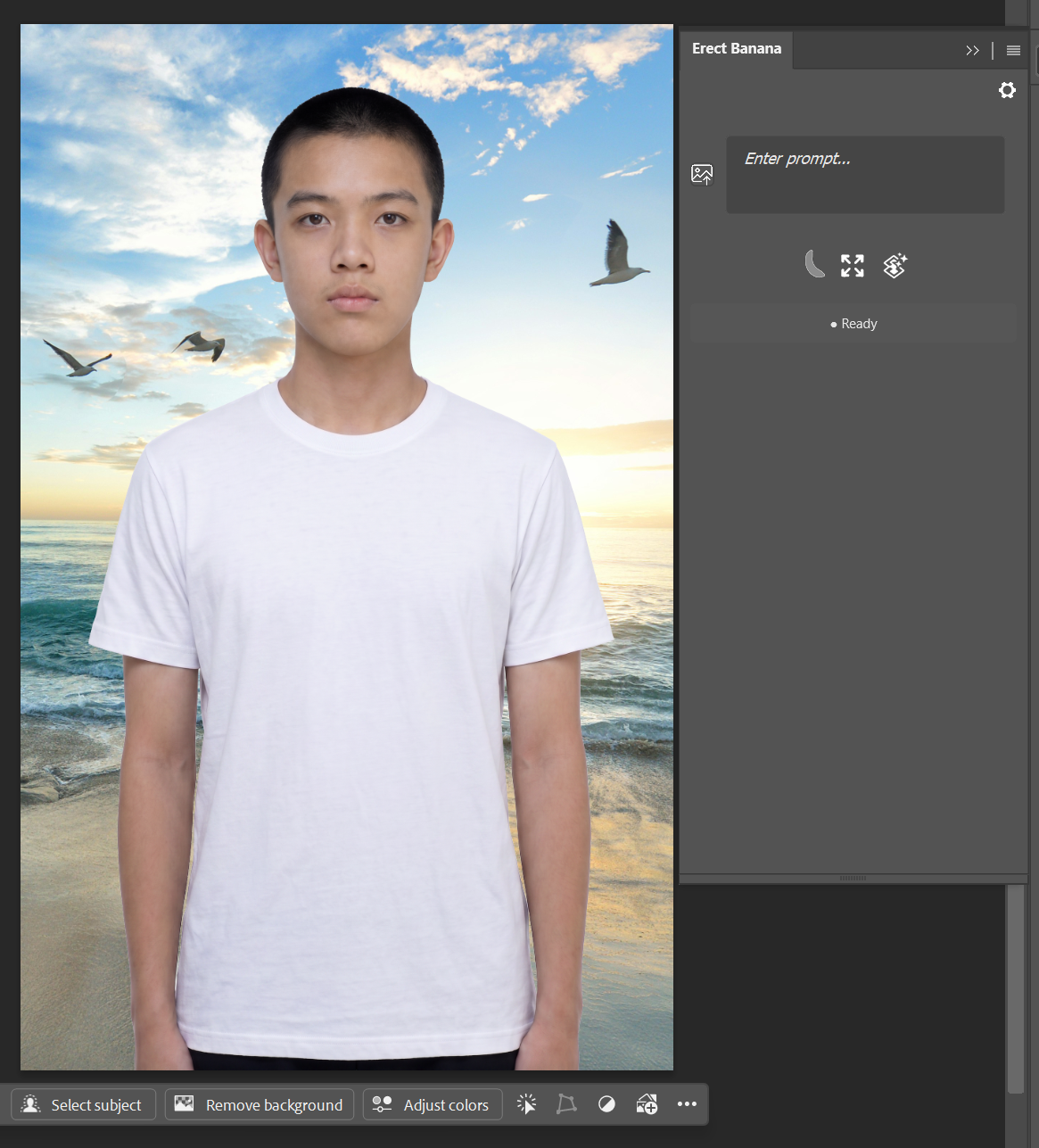
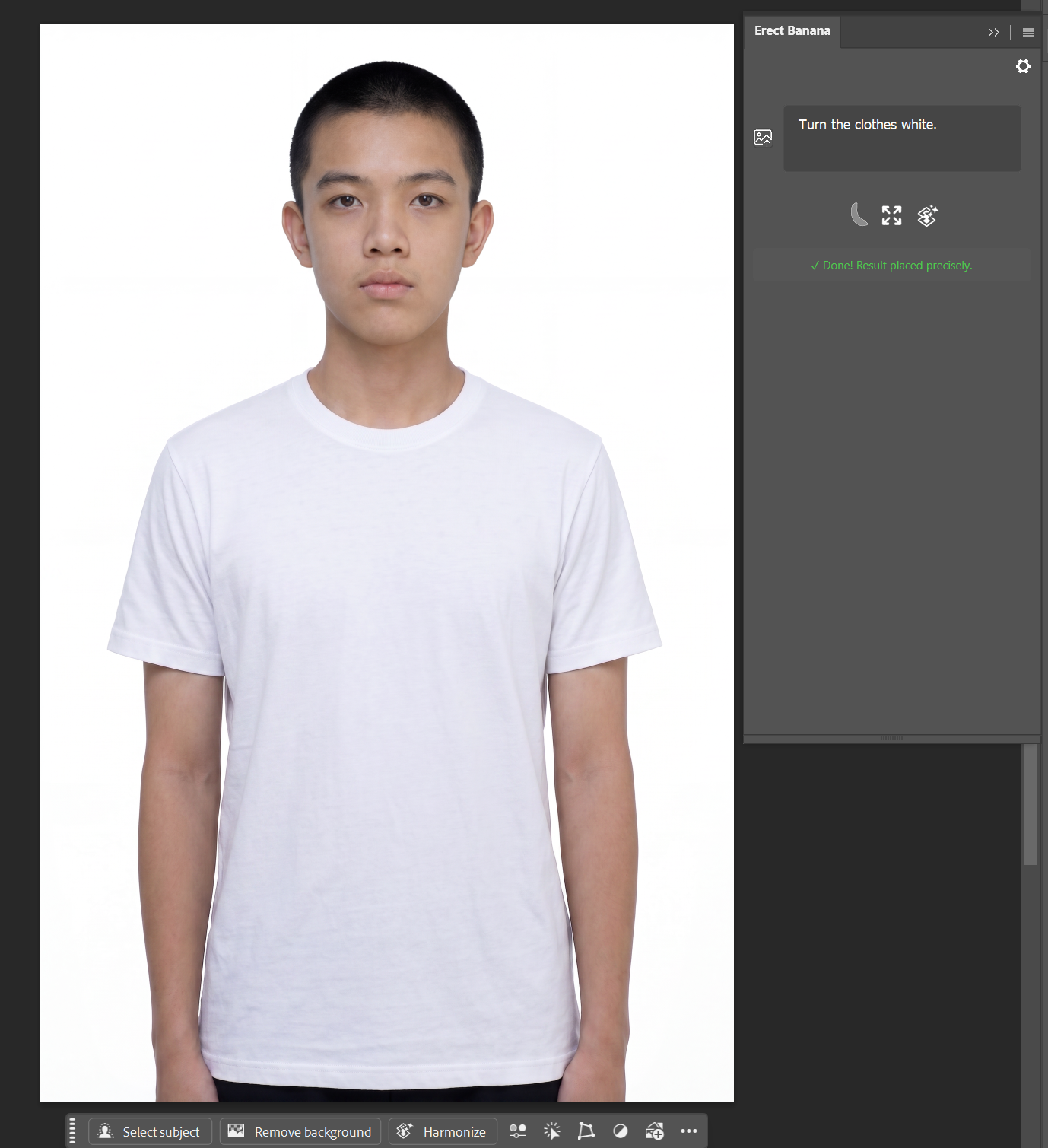
Draw a selection around any area, describe the change you want, and the result is composited directly into a new layer β€” with automatic feathered-mask blending. Works on transparent cutout images too.
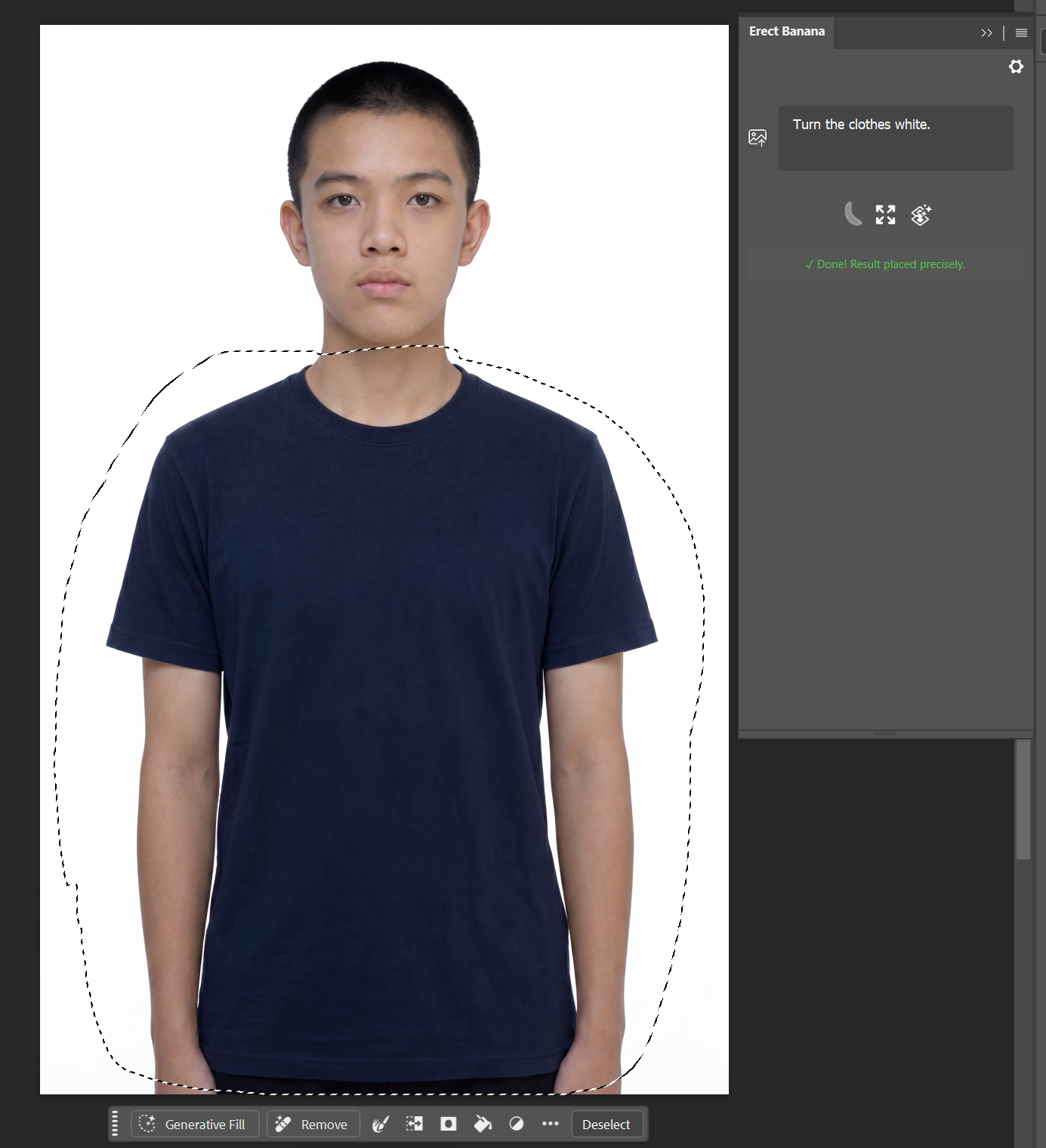
Before generative fill
Before
After generative fill
After
Outpaint

Extend the canvas in any direction.

Pull the canvas wider or taller with the Crop tool, then click Outpaint. AI fills the new area while preserving every original pixel β€” matching lighting, perspective, and style seamlessly.
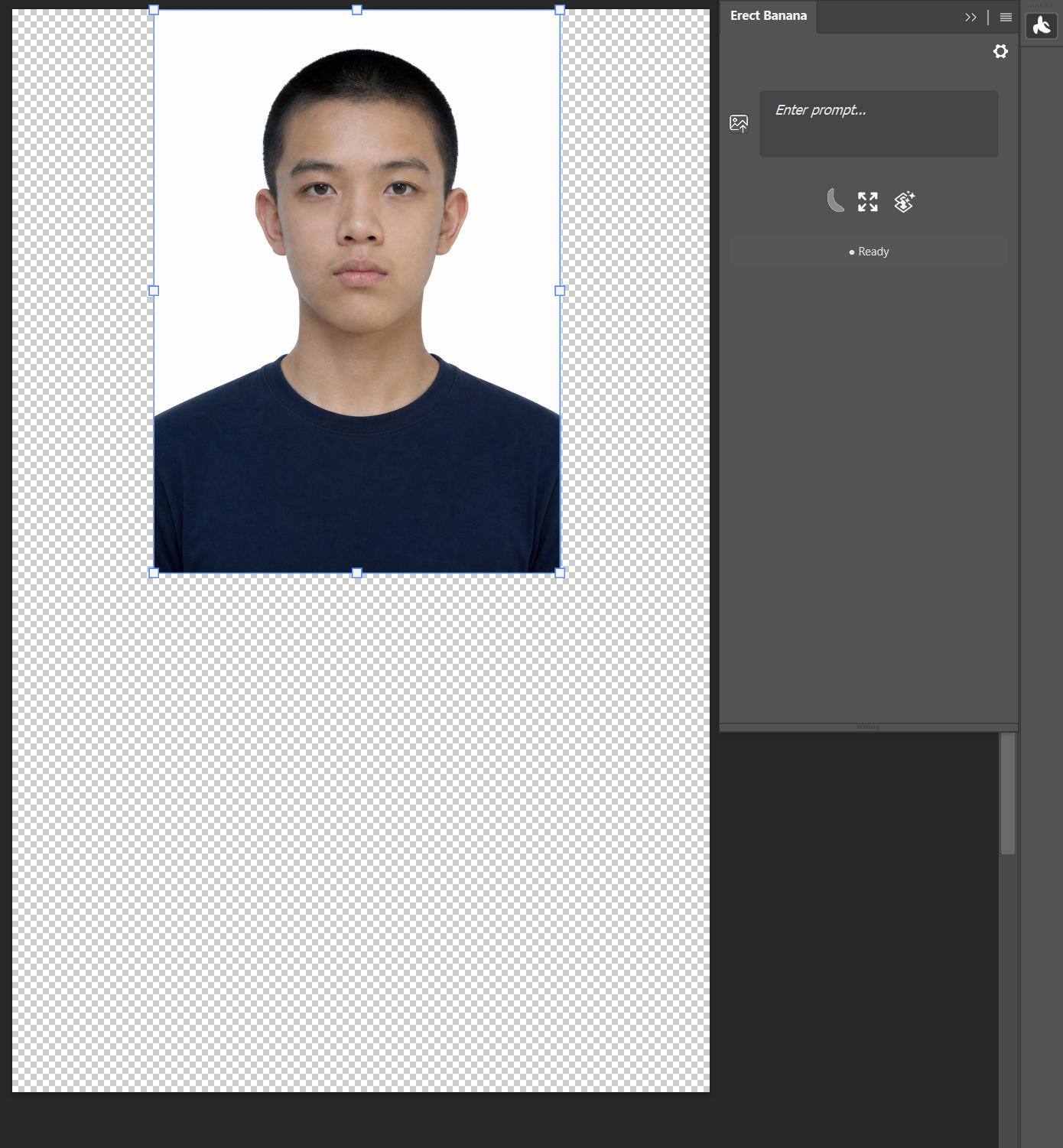
Before outpaint
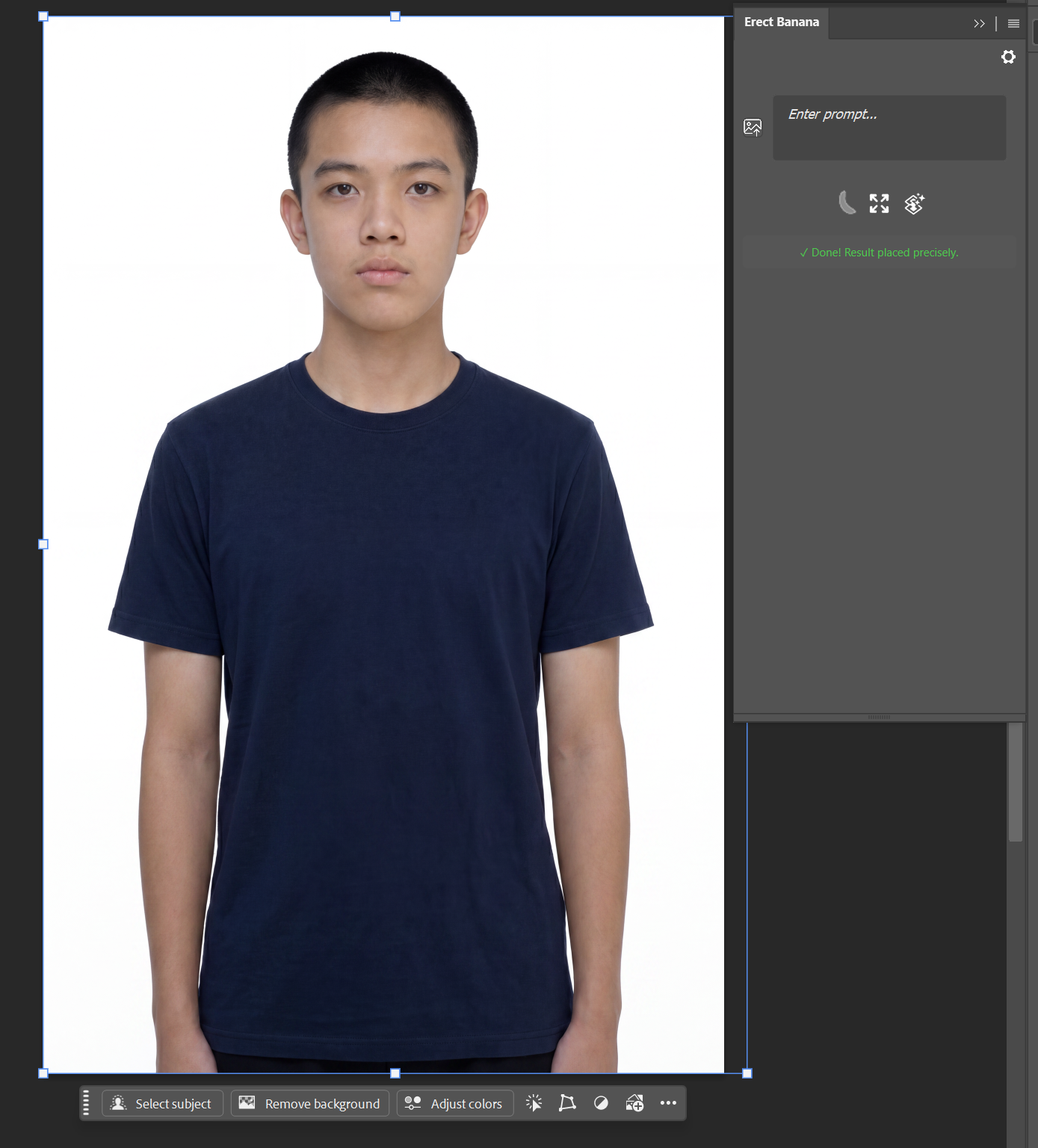
Before
After outpaint
After
Light Harmonization

Make composites look like they belong.

Automatically adjusts the lighting direction, color temperature, and shadow softness of a composited layer so it matches the background β€” no manual color grading needed.

Before harmonize
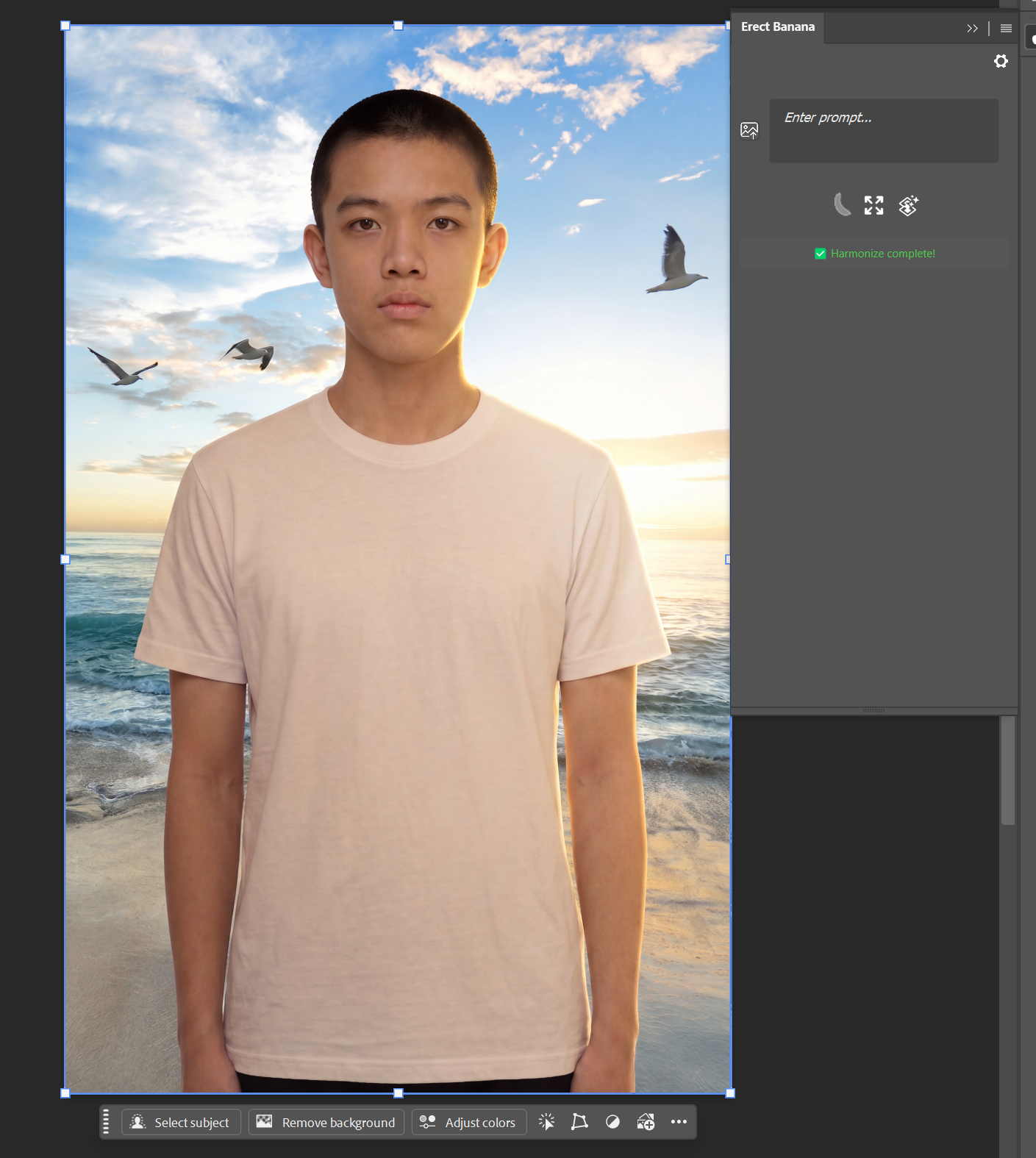
Before
After harmonize
After

Bring your own API key

Erect Banana has no backend and no per-generation charge. You connect your own key from any supported provider and pay them directly β€” at their published rates.

Google AI Studio
AIza…
Gemini 2.5 / 3.1 / 3 Pro Image ("Nano Banana" family). Free tier available β€” 15 req/min.
OpenAI
sk-proj-…
GPT-Image-2. Direct connection to OpenAI's API endpoint.
OpenRouter
sk-or-v1-…
Unified access to Gemini and GPT-Image models through a single key.
Google Vertex AI
Service account JSON
For users with their own GCP project. No key field β€” bridge reads your service account automatically.
Your images go straight from your machine to the provider you choose. Nothing passes through any server operated by the plugin author.

How to install

Erect Banana is distributed through Adobe Exchange. The plugin itself installs in one click; the local processing engine needs a separate one-time download.

1
Install the plugin from Adobe Exchange Search "Erect Banana" in Photoshop's Exchange panel, or open the listing page directly.
2
Download and run the Companion Engine The plugin needs a small local service to process images. Download ErectBanana-1.0.0-Exchange.exe and run it once β€” it will start automatically with Photoshop from then on.
3
Open Photoshop β†’ Plugins β†’ Erect Banana Paste your API key from any supported provider and click Test Connection to verify.
4
Make a selection and start generating Draw a selection, type a prompt, click the banana button β€” or press Enter.

Photoshop

Adobe Photoshop 24.2 or later
(Windows or macOS)

API Key

One key from Google AI Studio, OpenAI, OpenRouter, or Vertex AI. Free tier on Google covers typical personal use.